


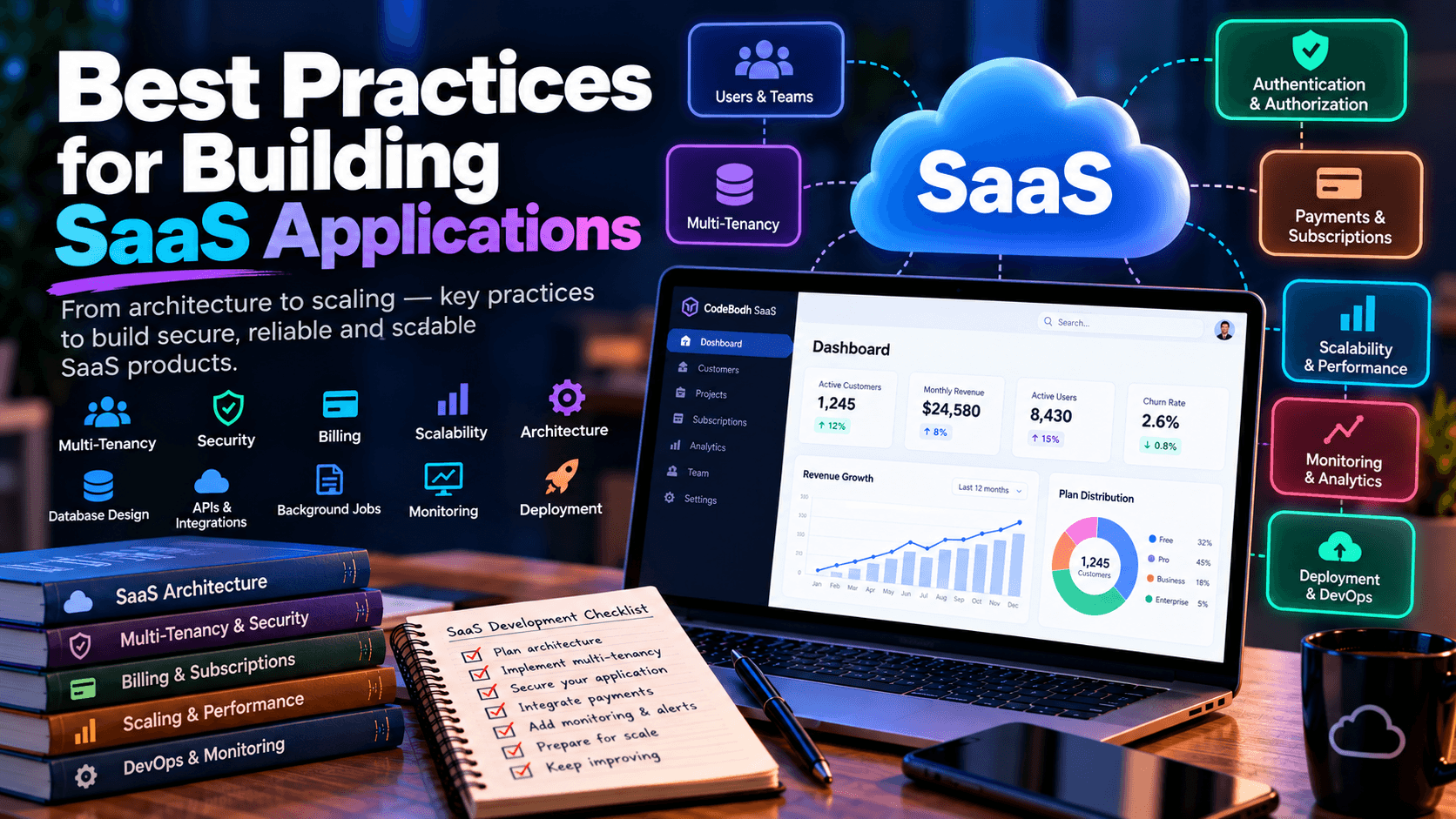
Building a SaaS application is very different from building a traditional website or a standalone software application.
A SaaS product must continuously serve multiple customers, manage user accounts and permissions, protect tenant data, handle subscriptions, process background jobs, scale with demand, and remain reliable while the application is continuously updated.
A good SaaS architecture therefore needs to consider both software engineering and the ongoing service experience. AWS's SaaS guidance emphasizes tenant isolation, automated onboarding, tenant-aware operations, scalability, observability, and cost awareness as important architectural concerns.
In this guide, we'll explore practical best practices for designing and building a modern SaaS application.
1. Start With a Clear SaaS Architecture
Before writing application code, define how your SaaS product will work.
At a minimum, identify:
- Users
- Organizations or tenants
- Roles and permissions
- Authentication
- Application services
- Database
- File storage
- Background jobs
- APIs
- Billing
- Notifications
- Monitoring
- Administration
A simplified architecture might look like this:
Don't make the architecture unnecessarily complicated.
A small SaaS product doesn't automatically need microservices, Kubernetes, multiple databases, or dozens of cloud services.
Start with an architecture that is easy to operate and evolve.
2. Design for Multi-Tenancy From the Beginning
One of the biggest differences between a SaaS application and a normal web application is multi-tenancy.
A tenant is generally a customer or organization using your SaaS platform.
For example, imagine a project-management SaaS:
The application may use the same infrastructure and codebase, but Tenant A must never be able to access Tenant B's resources.
AWS identifies tenant isolation as a foundational SaaS concern because cross-tenant access can become a serious security incident.
3. Make Tenant Context a First-Class Concept
Don't treat the tenant ID as an optional value that developers manually remember to add everywhere.
Instead, establish tenant context as part of the authenticated request.
For example:
Then application services can operate within that context.
For database queries, avoid patterns such as:
when the project belongs to a tenant.
Prefer a tenant-scoped approach:
The exact implementation depends on your framework, but the principle remains the same.
Tenant boundaries should be enforced consistently rather than relying on individual developers to remember them in every feature. AWS specifically recommends mechanisms that make tenant isolation a shared architectural concern rather than something developers must manually reproduce throughout application code.
4. Choose the Right Tenant Isolation Model
There isn't one universal multi-tenant architecture.
Common approaches include:
Shared Database, Shared Tables
Every tenant-owned record contains a tenant_id.
Shared Database, Separate Schemas
Separate Database Per Tenant
Hybrid Model
Some customers may use shared infrastructure while higher-isolation customers use dedicated resources.
AWS describes these approaches using concepts such as pool, bridge, and silo models, with the appropriate choice depending on requirements such as cost, compliance, isolation, and operational complexity.
For many startups, shared infrastructure with strong logical isolation can be a practical starting point.
The important thing is to deliberately choose the model instead of accidentally creating one.
5. Build Strong Authentication and Authorization
Authentication answers:
Who are you?
Authorization answers:
What are you allowed to do?
You need both.
A SaaS application may have roles such as:
For example:
Don't implement permissions only through frontend buttons.
Hiding:
from the interface does not provide security.
The backend must independently verify whether the authenticated user is authorized to perform the operation.
6. Secure Every Object-Level Access
APIs frequently expose identifiers:
A common mistake is checking whether the user is authenticated but not checking whether the requested object belongs to that user's tenant.
For example:
is potentially dangerous in a multi-tenant application if the query doesn't enforce ownership.
The application should verify both:
OWASP's API Security Top 10 specifically identifies Broken Object Level Authorization as a major API security risk.
7. Keep Tenant Data Out of Caches and Storage Boundaries
Tenant isolation isn't limited to SQL queries.
You also need to consider:
- Cache
- File storage
- Search indexes
- Queues
- Temporary files
- Logs
- Reports
- Object storage
- Background workers
For example, don't use:
as a cache key for every tenant.
Instead:
The same principle applies to file paths:
OWASP recommends carrying tenant scope through queries, cache keys, storage boundaries, asynchronous work, rate limits, and audit logging where resources are tenant-specific.
8. Design Onboarding as a Product Feature
A SaaS application should make it easy for a new customer to start using the product.
A typical onboarding process might be:
Don't manually perform these steps for every customer.
AWS recommends automated, repeatable tenant onboarding as an important part of SaaS scalability and operational efficiency.
9. Separate Authentication From Business Logic
Avoid putting your entire application inside controllers.
Instead of:
consider separating responsibilities:
This makes the application easier to:
- Test
- Refactor
- Maintain
- Extend
- Debug
It also makes future API, mobile, CLI, and background-worker integrations easier.
10. Don't Ignore Billing Architecture
If your SaaS is subscription-based, billing is part of the application's core architecture.
Think about:
- Free plans
- Monthly plans
- Annual plans
- Trials
- Upgrades
- Downgrades
- Cancellations
- Failed payments
- Renewals
- Refunds
- Coupons
- Usage-based billing
- Invoices
- Tax requirements
- Webhooks
Don't assume:
means the entire billing process is finished.
Payment providers typically communicate important events asynchronously through webhooks.
Your system should therefore be designed to process billing events reliably and idempotently.
11. Make Webhook Processing Idempotent
Suppose your payment provider sends:
more than once.
Your application shouldn't accidentally create duplicate records or perform the same action multiple times.
Store the external event ID:
Before processing:
This principle is useful for many external integrations, not only billing.
It also applies to:
- Payment systems
- Email providers
- Shipping services
- CRMs
- Webhooks
- External APIs
12. Build an API-First Mindset
Even if your first interface is a web dashboard, designing clean backend APIs can make future expansion easier.
For example:
Your API should have:
- Authentication
- Authorization
- Validation
- Consistent responses
- Error handling
- Pagination
- Rate limiting
- Logging
- Versioning strategy
Avoid exposing internal database structures unnecessarily.
13. Validate Everything at the Server
Never trust data simply because it came from your own frontend.
A malicious user can bypass your interface and call the API directly.
Validate:
- Request parameters
- Form data
- JSON payloads
- File uploads
- IDs
- URLs
- Dates
- Numeric limits
- Permissions
- Subscription limits
For example:
Then apply appropriate output escaping and authorization.
Validation and authorization solve different problems.
14. Design for Rate Limits and Abuse
A SaaS application can be affected by abusive usage even when there is no traditional security breach.
For example:
This is often called the noisy-neighbor problem.
Consider limits for:
- API requests
- File uploads
- Storage
- Emails
- Background jobs
- AI requests
- Database-intensive operations
- Concurrent processes
Rate limits can exist at several levels:
OWASP's multi-tenant guidance also recommends tenant-aware rate limits and quotas when shared capacity or tenant-level entitlements are involved.
15. Move Heavy Work to Background Jobs
Don't make users wait for expensive operations.
For example:
Good candidates for background processing include:
- Email sending
- Report generation
- Video processing
- Image processing
- Large imports
- Data exports
- AI processing
- PDF generation
- Notifications
- Scheduled tasks
The user should usually receive a quick response instead of waiting for the entire operation.
16. Build Observability From Day One
Logs alone aren't enough for a growing SaaS product.
Monitor:
Application
- Error rate
- Response time
- Request volume
- Failed jobs
- Queue size
Database
- Query performance
- Connection usage
- Slow queries
- Storage growth
Infrastructure
- CPU
- Memory
- Disk
- Network
- Container health
SaaS Metrics
- Active tenants
- New tenants
- Churn
- Plan distribution
- Feature usage
- API consumption
- Storage usage
- Per-tenant resource consumption
AWS recommends tenant-aware metrics and operational views so SaaS teams can understand how individual tenants affect system behavior and cost.
17. Track Usage Per Tenant
A SaaS company eventually needs to answer questions such as:
Which customers are consuming the most storage?
Which customers generate the most API requests?
Which feature is used most frequently?
Which plan creates the highest infrastructure cost?
Create usage metrics such as:
This information can help with:
- Pricing
- Capacity planning
- Product decisions
- Customer support
- Abuse detection
- Infrastructure optimization
AWS specifically recommends understanding tenant activity and cost impact as SaaS environments scale.
18. Design Subscription Limits as Configurable Entitlements
Don't hard-code plan logic throughout the application.
Avoid:
everywhere.
Instead, define capabilities centrally:
Then your application can ask:
or:
This makes future pricing changes much easier.
19. Don't Hard-Code Custom Customer Requirements
Enterprise customers will eventually ask:
Can you add this feature only for us?
If every request creates a special version of your application, maintenance becomes difficult.
AWS recommends handling one-off requirements through globally available configuration and product mechanisms where possible, rather than creating isolated custom versions that undermine SaaS agility.
Prefer:
instead of:
20. Plan for File Storage Separately From the Database
Don't store large files directly in your primary database unless there's a specific reason to do so.
Use object storage for:
- Images
- Videos
- Documents
- Exports
- Backups
- Attachments
Your database can store metadata:
The actual file can live in object storage.
This approach generally makes storage management and scaling easier.
21. Build a Proper Admin System
Your SaaS needs an internal administration interface.
It should allow authorized staff to view:
- Customers
- Users
- Subscriptions
- Payments
- Usage
- System health
- Support information
- Feature flags
- Audit events
- Failed jobs
But don't give every administrator unrestricted access automatically.
Use administrative roles such as:
Record sensitive administrative actions.
For example:
22. Keep Audit Logs
Audit logs are particularly useful for SaaS applications.
Record important events such as:
A basic structure might be:
Avoid logging sensitive secrets such as passwords or raw authentication tokens.
23. Design for Backups and Recovery
A backup isn't useful if you cannot restore it.
Have a documented recovery process.
Consider:
Test restoration periodically.
A system where backups exist but nobody has verified that they can be restored is not the same as a tested recovery strategy.
24. Use Database Indexes Carefully
As SaaS data grows, database performance becomes increasingly important.
If you frequently query:
then tenant-related indexes should be considered.
For example:
For common combined queries:
a composite index may be more appropriate:
Don't blindly add indexes everywhere.
Indexes improve some reads but increase storage and write overhead.
Measure actual query patterns.
25. Make Search and Reporting Scalable
A common mistake is generating complicated reports directly from transactional tables every time a customer opens a dashboard.
For small datasets:
may be perfectly fine.
As data grows, consider:
This prevents expensive reporting queries from constantly competing with normal application traffic.
26. Design for Graceful Failure
External services will fail.
Databases can become slow.
Queues can stop.
Payment APIs can time out.
Email providers can experience outages.
Your application should not assume everything always works.
Consider:
- Timeouts
- Retries
- Exponential backoff
- Circuit breakers where appropriate
- Idempotency
- Dead-letter queues
- Fallback behavior
- Health checks
For example:
Don't retry indefinitely.
27. Make Security a Continuous Process
Security isn't a feature you finish once.
Review:
- Authentication
- Authorization
- Session management
- Password policies
- MFA
- API keys
- Secrets
- File uploads
- SQL queries
- XSS protection
- CSRF protection
- Rate limiting
- Dependency vulnerabilities
- Logging
- Tenant isolation
For APIs, pay particular attention to authorization at the object and property levels, authentication, unrestricted resource consumption, and other risks identified by OWASP's API Security Top 10.
28. Don't Over-Engineer the MVP
One of the biggest SaaS development mistakes is building the architecture for millions of customers before having the first customer.
You may not need:
on day one.
A simpler architecture might be:
Then evolve the architecture when actual usage demonstrates the need.
AWS also emphasizes that there is no single SaaS architecture that fits every product; architecture should reflect the product's domain, compliance requirements, customer segments, isolation needs, and operational goals.
29. Automate Deployment
A SaaS product should be deployable consistently.
A typical pipeline might be:
Automate:
- Tests
- Database migrations
- Asset builds
- Deployment
- Health checks
- Rollbacks
Avoid manually modifying production servers whenever possible.
30. Use Feature Flags
Feature flags allow you to release functionality without immediately exposing it to every customer.
For example:
You can then enable features for:
Feature flags can also make emergency disabling easier.
31. Think About Tenant Offboarding
Customer deletion is often overlooked.
When a customer cancels, determine:
- What happens to their account?
- How long is data retained?
- Can they reactivate?
- When are files deleted?
- When are backups removed?
- What happens to team members?
- What happens to API keys?
- What happens to scheduled jobs?
AWS's SaaS guidance specifically includes tenant offboarding and decommissioning as an operational and sustainability consideration.
32. Build a Good Developer Experience
A SaaS product should also be easy for your own developers to work on.
Maintain:
Document:
- How to run locally
- How to configure environment variables
- How to run migrations
- How to seed data
- How to run tests
- How to deploy
- How to restore backups
- How authentication works
- How tenancy works
Good documentation reduces onboarding time for new developers.
33. SaaS Architecture Checklist
Before launching, ask:
Architecture
- Is the architecture documented?
- Is the tenant model defined?
- Is the database strategy clear?
- Are background jobs implemented?
Security
- Is tenant isolation enforced?
- Are permissions checked server-side?
- Is MFA available where appropriate?
- Are APIs protected?
- Are sensitive actions audited?
Billing
- Are subscriptions modeled correctly?
- Are webhooks idempotent?
- Are failed payments handled?
- Are upgrades and downgrades supported?
Performance
- Are database queries indexed?
- Are heavy operations asynchronous?
- Is caching used appropriately?
- Are rate limits implemented?
Operations
- Are logs available?
- Are metrics collected?
- Are alerts configured?
- Are backups tested?
- Is deployment automated?
Product
- Is onboarding simple?
- Are plans and limits clearly defined?
- Is usage measurable?
- Is cancellation straightforward?
- Is customer data export possible?
Final Thoughts
A successful SaaS application isn't simply a website with a subscription button.
It is a continuously operated software service that needs to manage customers, tenants, identities, permissions, data, infrastructure, billing, usage, security, reliability, and product evolution together.
The most important principle is to build the foundation correctly without unnecessarily over-engineering it. Establish tenant isolation, authorization, observability, automated onboarding, reliable billing, background processing, backups, and a clean application architecture early; then allow the system to evolve as real customer usage reveals new requirements.
For multi-tenant systems in particular, treat tenant isolation as a fundamental architectural requirement rather than an extra security feature. AWS and OWASP both emphasize that tenant context must be consistently enforced across data access, storage, caching, asynchronous processing, and other application layers.
Build a simple product first—but build it on foundations that won't prevent you from growing later.


Comments (0)